babadem
Registered:1244235265 Posts: 1,642
Posted 1514493899
· Edited
Reply with quote
#1546
Quote:
Originally Posted by fenelon Had the same here also never got it fixed think was due to using a 3 port lnb but worked with smartdvb and only had 1 cable hooked up no switch's make's for a head scratching .
Tell me about it....
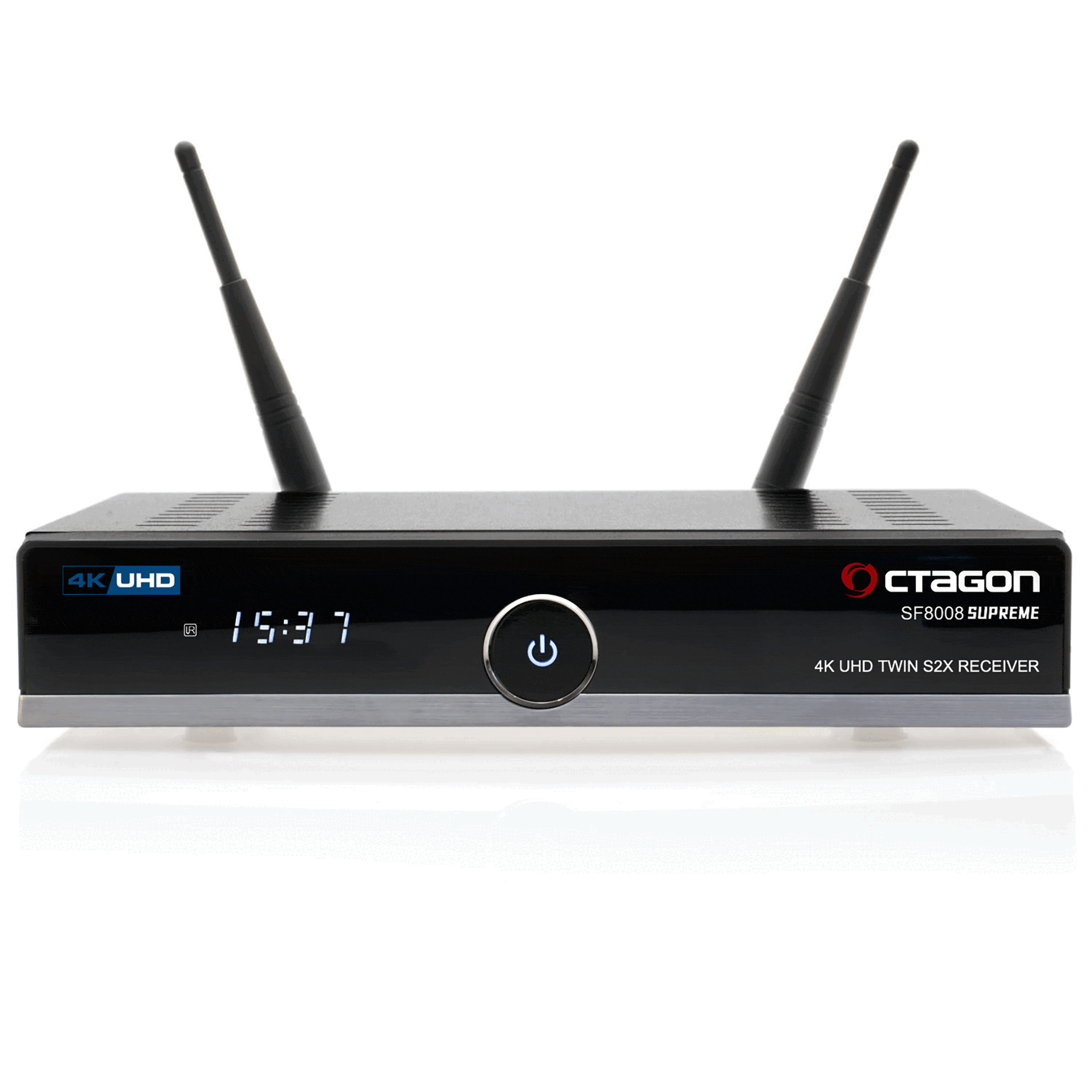
__________________ AZBox Me, Edision OS MIO 4K, Octagon SF8008/Define 6.3 OS and TBS 6903-X. DG-380 Motor (43.1°W to 129.0°W), on 1.2M Geosat Pro. 3ABN Dish @30.0°W. 2nd 1.2M looking @91.0°W KU. 12FT Paraclipse Dish looking from 37.5°W to 111.1°W.Ricardo's geo-orbit archive: https://web.archive.org/web/20071202191450/http://www.geo-orbit.org:80/sizepgs/tuningp2.html
flie
Registered:1489616217 Posts: 23
Posted 1515110239
Reply with quote
#1547
Hello CRAZYCAT thank you very much fo the excellent program with option "AUTO EXPORT" NO TEST CARRIER TP WILL ESCAPE AGAIN !!
babadem
Registered:1244235265 Posts: 1,642
Posted 1517290470
· Edited
Reply with quote
#1548
Quote:
Originally Posted by fenelon Had the same here also never got it fixed think was due to using a 3 port lnb but worked with smartdvb and only had 1 cable hooked up no switch's make's for a head scratching.
Finally there's light at the end of the tunnel! When I checked off (Activated) the "Multiswitch" option on CrazyScan in addition to the appropriate port on the DiseqC 1.0, option it seems to be working now. The funny thing is that I only have DiseqC 4 port and 2 port 22KHz switches on my setup. Why it sees them as a multiswitch baffles me. Anyway, for now it's working, and I'm happy.
Attached Images
__________________ AZBox Me, Edision OS MIO 4K, Octagon SF8008/Define 6.3 OS and TBS 6903-X. DG-380 Motor (43.1°W to 129.0°W), on 1.2M Geosat Pro. 3ABN Dish @30.0°W. 2nd 1.2M looking @91.0°W KU. 12FT Paraclipse Dish looking from 37.5°W to 111.1°W.Ricardo's geo-orbit archive: https://web.archive.org/web/20071202191450/http://www.geo-orbit.org:80/sizepgs/tuningp2.html
babadem
Registered:1244235265 Posts: 1,642
N6BY
Registered:1512946203 Posts: 98
Posted 1523612743
· Edited
Reply with quote
#1550
Crazycat, What does the setting " AGCIQBeta" in the .ini file do? I'm using a card with an STV6111 tuner (Digital Devices Cine S2 V7A). According to the STV6111 data brief, it has two AGC modes -- "RF-AGC" and "Channel-AGC". Is this what the AGCIQBeta setting does? If so, which mode do you get with "AGCIQBeta=0" or "AGCIQBeta=1"? And thanks for creating streamreader.dll which makes it much easier to write Windows DVB software!
crazycat
Registered:1299364124 Posts: 1,374
Posted 1523643699
Reply with quote
#1551
StreamReaderEx not have full support for DD cards. Just basic BDA support. And this option some trick for stv090x based devices, i not remember right now 😉
__________________ Strong offset dish 0.95m on Powertech DG240 motor + ALPS BSTE8-751B Ku-Universal LNB. Variant CA-902 0.95 offset dish with 3x Ku-Universal LNBs (13E++9E+4.8E) + Variant CA-600 Ku-Circular LNB 36E + DiseqC 1.0. STB: GI8120 Lite. PC DVB: TBS 6983 PCI-E
N6BY
Registered:1512946203 Posts: 98
Posted 1523655917
Reply with quote
#1552
CrazyCat, Thanks for your reply. Another question: Digital Devices has some settings available in the Windows Registry. Does streamreader.dll override any of the following settings when it initializes the card? AGCMode: 0: wideband mode 1: channel mode AGCSet Range 0-31: fix the gain of the RF amplifier. (roughly 1 dB steps) NFMode 0: auto NF/IIP3 1: force NF mode.
weather01089
Registered:1494198673 Posts: 91
Posted 1523727537
Reply with quote
#1553
Yes, this is a DD card with STV6111. To get it to start sending data, you have to pull the coax cable off and on a few times, then it starts sending. Once it starts sending, it works for days. Thats why DD is suggesting these settings. Is the source for streamreader available?
Thanks! Ray
crazycat
Registered:1299364124 Posts: 1,374
Posted 1523732229
Reply with quote
#1554
Closed-source :)
__________________ Strong offset dish 0.95m on Powertech DG240 motor + ALPS BSTE8-751B Ku-Universal LNB. Variant CA-902 0.95 offset dish with 3x Ku-Universal LNBs (13E++9E+4.8E) + Variant CA-600 Ku-Circular LNB 36E + DiseqC 1.0. STB: GI8120 Lite. PC DVB: TBS 6983 PCI-E
crazycat
Registered:1299364124 Posts: 1,374
Posted 1523732369
Reply with quote
#1555
Quote:
Originally Posted by N6BY Another question: Digital Devices has some settings available in the Windows Registry. Does streamreader.dll override any of the following settings when it initializes the card?
No, this settings use DD BDA driver.
__________________ Strong offset dish 0.95m on Powertech DG240 motor + ALPS BSTE8-751B Ku-Universal LNB. Variant CA-902 0.95 offset dish with 3x Ku-Universal LNBs (13E++9E+4.8E) + Variant CA-600 Ku-Circular LNB 36E + DiseqC 1.0. STB: GI8120 Lite. PC DVB: TBS 6983 PCI-E
flie
Registered:1489616217 Posts: 23
Posted 1524688859
· Edited
Reply with quote
#1556
hello crazycat thank again for the great program can you release a new version of crazyscam which have a positioner work with satellite position rather than Angular position ? it is not good lo search Angular position every time ! using other programes. even with other programs EBSpro & IQmonitor ,I need only To enter my GPS location and sat position " using USALS" ...and my motor Dish go directly to Sat position I hope you understand my bad english and thank you all best regards .
vanhulagen
Registered:1504420032 Posts: 121
Posted 1524717441
· Edited
Reply with quote
#1557
hi i have tbs5927 im having trouble get mpeg2 video in smartdvb with windows 10 any body know what decoder i need or how to fix this crazyscan finds the channels ok but no video thanks jason
TheSatBible
Registered:1254922408 Posts: 889
Posted 1525950671
Reply with quote
#1558
What is the current best practice for the tbs5927 and crazyscan or easy blindscan? I tried EBS PRO but it wasn't finding anything but the easy channels so I thought I'd go back to Crazyscan and Easy Blindscan that I am used to using. Easy Blindscan reported I still had the Prof7500 that I have but wasn't powered up at the time instead of reporting the only powered tuner the TBS 5927. I don't know if identifying the wrong card i have attached would create issues in a blind scan or not. Crazyscan saw the TBS 5927 and was able to do the spectrum scan but when I did the blindscan, it starts at the first frequency of the highlighted range and just sits there flickering at the start frequency without advancing through the range so something is messed up there. I downloaded the latest crazyscan program and reqlibs and streamreader in case that was the issue. I stupidly overwrote the streamreader.ini that worked wtih the prof7500 with the ini from the distribution file so I don't remember what various settings I had. I think my crazyscan blindscan issue might be related to the streamreader.ini settings so are there are any critical streamreader settings I need to uncomment/change to work with the 5927. I seem to recall when I setup the Prof7500, there were a few settings that needed to be changed from the default INI file in order to make the prof7500 work. Thanks for any help.
mansourselmy
Registered:1439033092 Posts: 63
Posted 1528877977
Reply with quote
#1559
Hello - Why has StreamReaderEx-BDA weak signal compared with other BDA driver? - When I use Blond scan tool in DVB dream, it points at the new tp but this is not found in Crazyscan.. Thx
__________________ TBS 6908
crazycat
Registered:1299364124 Posts: 1,374
Posted 1528927236
Reply with quote
#1560
StreamReaderEx-BDA is NOT driver 😉 Your TBS device have own BDA driver 😉 Blindscan in DVBDream can use own TBS blindscan from driver or my StreamReaderEx-BDA . So what device interface used in your case (BDA or StreamReaderEx ) ?
__________________ Strong offset dish 0.95m on Powertech DG240 motor + ALPS BSTE8-751B Ku-Universal LNB. Variant CA-902 0.95 offset dish with 3x Ku-Universal LNBs (13E++9E+4.8E) + Variant CA-600 Ku-Circular LNB 36E + DiseqC 1.0. STB: GI8120 Lite. PC DVB: TBS 6983 PCI-E