Welcome to "RICKS SATELLITE WILDFEED & BACKHAUL FORUM"... ... ... Brought to you by "RICKS SATELLITE USA" - "Where the Big Dish Rules!"... ... ... In Association with "GOFASTMOTORSPORTS.com" ... ... ... Green Flag - Green Flag - Go Go Go ... ...

Donate
Ricks Satellite Wildfeed and Backhaul Forum

This Forum is Brought to you by "Ricks Satellite"
www.RicksSatelliteUSA.com or www.GoFastMotorsports.com or call 816-228-1801
Your US Supplier for Free To Air Digital Receivers, Feed Horns, LNB's & LNBF's, Venture Made in the USA Actuator Arms and many other products!

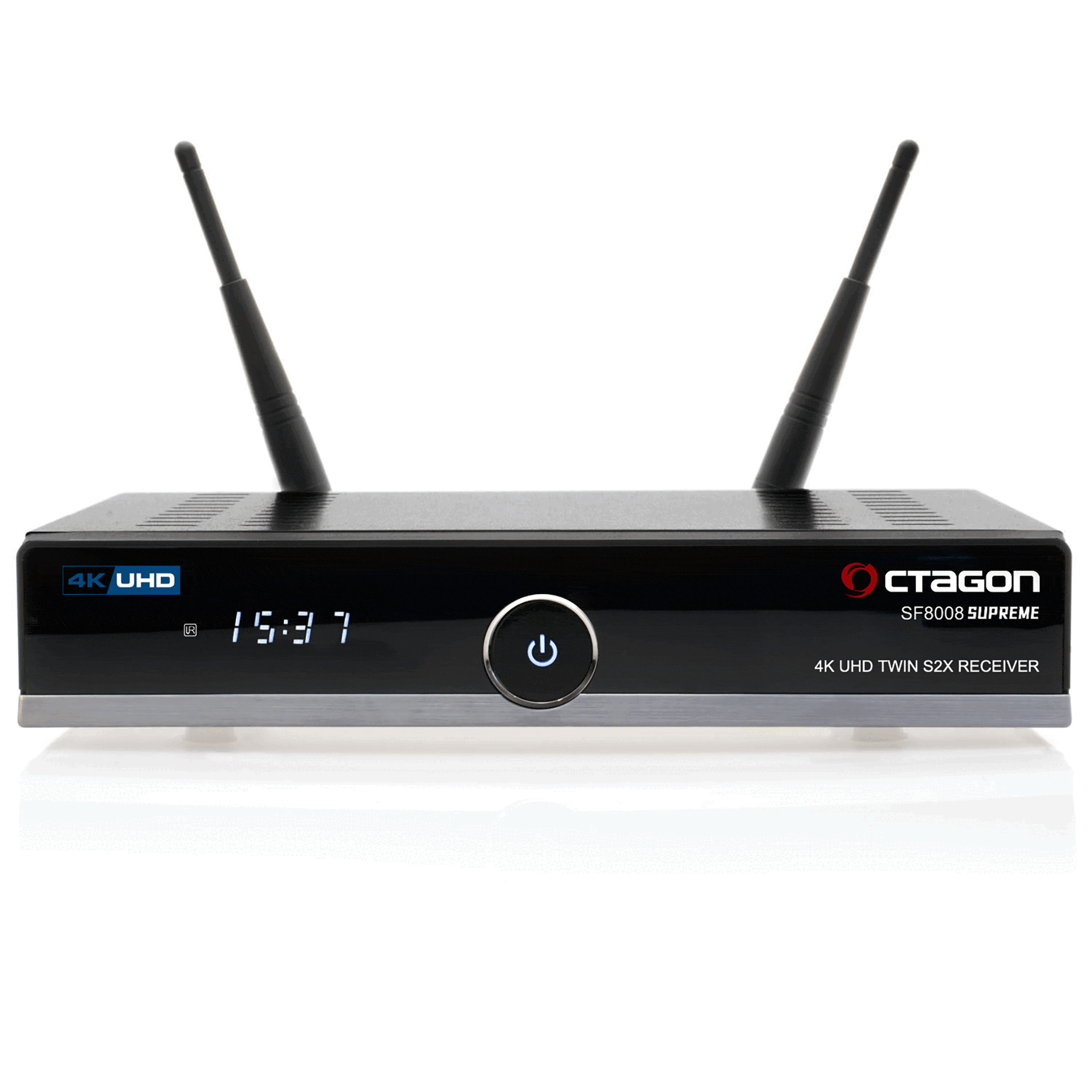
"Now In Stock... OCTAGON SF8008 V3 SUPREME 4K UHD E2 DVB-S2X TWIN (DUAL OS) Satellite Receiver With Multi-Boot!"
Bringing with it a World First - the M.2 interface for the internal integration of M.2 hard drive. $204.00 plus $15.00 for Shipping in the 48 Cont. United States!


If You Like Our Forum, Please Consider Making a Donation to Help With the Monthly Expenses to Maintain the Forum!

A Special Thank You to All who support and purchase products from Ricks Satellite! It is only by the profits made from those sales that I am able to pay for this forum.
A Continued THANK YOU to all of the SUPER POSTERS, that do such a GREAT JOB of finding and posting feeds. and thanks to the members who share their knowledge and answer questions.
It is the Entire group that makes this forum a success!

Sign up Latest Topics


Reply
  Author   Comment   Page 80 of 108     «   Prev   77   78   79   80   81   82   83   Next   »
einsteincat

Avatar / Picture

Registered:
Posts: 8
Reply with quote  #1186 
voomvoom
Thank you for your response, LNB is Ku linear, polarisation is HL/VR but it only scans vertical frequencies, if I set it on H/L still only vertical.
einsteincat

Avatar / Picture

Registered:
Posts: 8
Reply with quote  #1187 
Quote:
Originally Posted by einsteincat
I have recently installed CrazyScan, it is up and running but I have a problem in that it does not scan horizontal frequencies, only vertical. I'm using a Compro Videomate S350 with the most recent Compro VMHybrid 1.39.200 WLH W7 drivers, O/S is WINXP SP3, Crazyscan 1.0.1.91. The card is working correctly as other software I use can access h and v frequencies. Any assistance would be much appreciated.
tempo

Registered:
Posts: 204
Reply with quote  #1188 
My Compro S350 with driver VMHybrid.sys ver.1.3.9.1 (WinXP SP2 32bit) works correct in CrazyScan.
Did you tried another driver versions? I've attached my driver file for you, but I don't remember if this driver compatible with WinXP SP3. You can try backup your existing driver, replace it with this file and disable/enable the card in Device Manager (no need to full reinstall of the driver). If this driver will work wrong, return your driver file back.
zip VMHybrid 1.3.9.1.zip     


__________________
Two 90 cm dishes on Strong SRT DM-2100 motors with Ku band LNBs.
STBs: Openbox X810, Openbox X820, Dr.HD F16 Blue Edition.
DVB cards in use: Prof 7301, Prof 8000, TT S2-1600, Omicom S2 PCI rev.3 (STV0903BAB, STV0903BAC, STV0900AAC demods), Prof 7500, Skystar2 rev.2.6D, TT S-1401, TBS 5922, TBS 5925, TBS 6922.
DVB cards in reserve: Prof 7300, TBS 6921, X3M SU1600HD, X3M SPC1400HD, Acorp DS110, Acorp DS120, DVBWorld PCI2004D, DVBWorld USB2104D, TT S2-3200, SkyStar HD USB, SkyStar S2, Skystar2 rev.2.3, SB 340-USB, SB 540-PCI, Tevii S464/S470/S471/S660/S420
einsteincat

Avatar / Picture

Registered:
Posts: 8
Reply with quote  #1189 
Tempo
Thank yo0u, I will try this. I did think that it might be a Compro driver problem and I was thinking where I could find an old driver!
einsteincat

Avatar / Picture

Registered:
Posts: 8
Reply with quote  #1190 
Tempo,
Just checked and the driver installed is 1.3.9.1 already, any idea what else it might be?
tempo

Registered:
Posts: 204
Reply with quote  #1191 
I've tried to reproduce you bug myself, but my Compro S350 works properly with CrazyScan. I used CrazyScan 1.0.1.73 with streamreader 1.1.0.1168, maybe your streamreader have some bug. Please check again with attached streamreader. CrazyScan version doesn't matter.
 13e Spectrum 11.12.2013 - S350.PNG 

 
Attached Files
zip StreamReader_1.1.0.1168.zip (406.78 KB, 50 views)


__________________
Two 90 cm dishes on Strong SRT DM-2100 motors with Ku band LNBs.

STBs: Openbox X810, Openbox X820, Dr.HD F16 Blue Edition.
DVB cards in use: Prof 7301, Prof 8000, TT S2-1600, Omicom S2 PCI rev.3 (STV0903BAB, STV0903BAC, STV0900AAC demods), Prof 7500, Skystar2 rev.2.6D, TT S-1401, TBS 5922, TBS 5925, TBS 6922.
DVB cards in reserve: Prof 7300, TBS 6921, X3M SU1600HD, X3M SPC1400HD, Acorp DS110, Acorp DS120, DVBWorld PCI2004D, DVBWorld USB2104D, TT S2-3200, SkyStar HD USB, SkyStar S2, Skystar2 rev.2.3, SB 340-USB, SB 540-PCI, Tevii S464/S470/S471/S660/S420
Ben

Registered:
Posts: 8
Reply with quote  #1192 
tempo,
I'm struggling with the same problem as einsteincat. I tried to use the version of StreamReader you attached - but unfortunately it doesn't help.
ComProDTV works without problems - switching between horizontal and vertical transponders without a hickup.
CrazyScan somtimes works - but most of the time it doesn't. I had the impression I could make it work by first running ComproTV, then switching over to CrazyScan. I also tried to reboot and restart the computer, but cannot get a stable work-around.
I also tried different settings of the StreamReader.ini file

I wonder if has anything to do with the initialsation of the tuner...

I am using Windows 7.
Ben

Registered:
Posts: 8
Reply with quote  #1193 

Tempo,
Apparently different versions of the S350 card exist. A Rev 0 using SAA7130 and a
Rev D1 using SAA7135. 
I noticed my card uses the 7135 chip. The device manager reports this card as a "VideoMate TV SAA7133/35, Hybrid Capture Device".

Do you know which version of the card you are using?

tempo

Registered:
Posts: 204
Reply with quote  #1194 

Well, that seems to be true. My S350 in Device Manager is "VideoMate TV SAA7130, Hybrid Capture Device".
This fact explains the problem. But I'm sure CrazyCat will solve the problem soon. Please attach here your streamreader.log file for CrazyCat, for analysis.


__________________
Two 90 cm dishes on Strong SRT DM-2100 motors with Ku band LNBs.
STBs: Openbox X810, Openbox X820, Dr.HD F16 Blue Edition.
DVB cards in use: Prof 7301, Prof 8000, TT S2-1600, Omicom S2 PCI rev.3 (STV0903BAB, STV0903BAC, STV0900AAC demods), Prof 7500, Skystar2 rev.2.6D, TT S-1401, TBS 5922, TBS 5925, TBS 6922.
DVB cards in reserve: Prof 7300, TBS 6921, X3M SU1600HD, X3M SPC1400HD, Acorp DS110, Acorp DS120, DVBWorld PCI2004D, DVBWorld USB2104D, TT S2-3200, SkyStar HD USB, SkyStar S2, Skystar2 rev.2.3, SB 340-USB, SB 540-PCI, Tevii S464/S470/S471/S660/S420
Ben

Registered:
Posts: 8
Reply with quote  #1195 
Thanks, Tempo. That clarified things.

@CrazyCat: we would much appreciate your help on this issue.

Summary of problems:
The VideoMate S350 from Compro with hardware revision D1 (SAA7135) gives problems with StreamReader.
1. On most attempts with CrazyScan it does not switch to the horizontal transponders.
2. Sometimes it does (mostly directly after a boot) and then switches OK between horizontal and vertical for as long as the program is not terminated.
3. When CrazyScan works the shape of the RF scan looks OK, but the absolute RF values are higher than those reported by a TBS 5922 (about 8-10 dBm) and the SNR values are lower (11 vs 13.6 dB). Moreover the S350 SNR values fluctuate rapidly between 10.8 and 12 dB whereas the 5922 is very stable.
4. When CrazyScan works OK it switches the voltage on the LNB output between 14 and 19.4 V; if not it is fixed at 11.7 V
5. The ComproDTV program works fine all the time on both polarisations.

A problem is reported in http://www.linuxtv.org/wiki/index.php/Compro_VideoMate_S350
The d1 revisions are currently misdetected as Compro Videomate T750. Load these cards with options saa7134 card=169
The eeprom contents listed on that site vary slightly from mine.
I've attached
a copy of the StreamReader logfile (renamed to StreamReader .txt)
a copy of the EEPROM contents of my card.

Thanks!
Ben

 
Attached Files
txt StreamReader.txt (1013 Bytes, 38 views)
txt S350_EEPROM.txt (797 Bytes, 28 views)

crazycat

Avatar / Picture

Registered:
Posts: 1,374
Reply with quote  #1196 
Look like saa7135-based cards use diffrent LNB voltage control circuit controled via saa7135 gpio.
Old saa7130-based use simple LNB voltage control via demod HVSelect pin.

I not have access to GPIO from user-space - so only old version supported.

__________________
Strong offset dish 0.95m on Powertech DG240 motor + ALPS BSTE8-751B Ku-Universal LNB. Variant CA-902 0.95 offset dish with 3x Ku-Universal LNBs (13E++9E+4.8E) + Variant CA-600 Ku-Circular LNB 36E + DiseqC 1.0. STB: GI8120 Lite. PC DVB: TBS 6983 PCI-E
Ben

Registered:
Posts: 8
Reply with quote  #1197 
Thanks, Crazycat
I disabled the direct hardware access and then StreamReader appears to switch properly. But it does not support any of the get signal functions in that mode.
Am I correct to assume that StreamReader in non-direct hardware control mode operates through the BDA interface, and that the ComPro driver does not support this functionality?
einsteincat

Avatar / Picture

Registered:
Posts: 8
Reply with quote  #1198 
Ben,
The Compro S350 driver is BDA compatible. I tried both the WIN7 BDA extension and the CMP (Compro BDA extension) in Streamreader without success, the LNB does not switch to horizontals. I use DVBviewer which does not officially support the S350 but it seems to work perfectly fine, I can only presume that it does so through the BDA driver. It reports the source as a Compro Videomate DVB-S device
crazycat

Avatar / Picture

Registered:
Posts: 1,374
Reply with quote  #1199 
Quote:
Originally Posted by Ben
Am I correct to assume that StreamReader in non-direct hardware control mode operates through the BDA interface, and that the ComPro driver does not support this functionality?


yes

__________________
Strong offset dish 0.95m on Powertech DG240 motor + ALPS BSTE8-751B Ku-Universal LNB. Variant CA-902 0.95 offset dish with 3x Ku-Universal LNBs (13E++9E+4.8E) + Variant CA-600 Ku-Circular LNB 36E + DiseqC 1.0. STB: GI8120 Lite. PC DVB: TBS 6983 PCI-E
Maverick

Registered:
Posts: 6
Reply with quote  #1200 
Hi Guys,
               Further to Ben's post(#1197) on the subject of Crazyscan not being able to do horizontal scans on a rev1 Compro S350:


http://thread.gmane.org/gmane.linux.drivers.video-input-infrastructure/7471    
  This states that if you modify the driver by changing the gpio setup from 0x8000 to 0xC000,for the S350 I assume, the card works ok.
Do you think this fix can be applied to the windows driver?I've tried with various edit programs but failed to understand what's happening.Am really out of my depth on this.Does anyone have any suggestions?Also can you get CNR readings from Crazyscan.Cheers Mav
Previous Topic | Next Topic
Print
Reply

Quick Navigation:

Easily create a Forum Website with Website Toolbox.

Fellow Members, your posts are welcome here! Do not worry about posting everything perfect. Different receivers and LNB's will give you different Frequencies and Symbol Rates. Some set top boxes, PCI cards and USB receivers, Do Not Require all of the same information that others may need. It is not Required to post everything that others may need to tune in a feed. It is just most important to share the find. We can always adjust the Frequency and Symbol Rates and try the various Modulations and FEC's on our own receivers until we get a lock and then give a polite reply with what works for your receiver, as that information might help others as well. We all appreciate the efforts and energy of the Posters!

Thank You for Visiting GOFASTMOTORSPORTS.com - Keep Your Eyes on the Sky and the Track!