Welcome to "RICKS SATELLITE WILDFEED & BACKHAUL FORUM"... ... ... Brought to you by "RICKS SATELLITE USA" - "Where the Big Dish Rules!"... ... ... In Association with "GOFASTMOTORSPORTS.com" ... ... ... Green Flag - Green Flag - Go Go Go ... ...

Donate
Ricks Satellite Wildfeed and Backhaul Forum

This Forum is Brought to you by "Ricks Satellite"
www.RicksSatelliteUSA.com or www.GoFastMotorsports.com or call 816-228-1801
Your US Supplier for Free To Air Digital Receivers, Feed Horns, LNB's & LNBF's, Venture Made in the USA Actuator Arms and many other products!

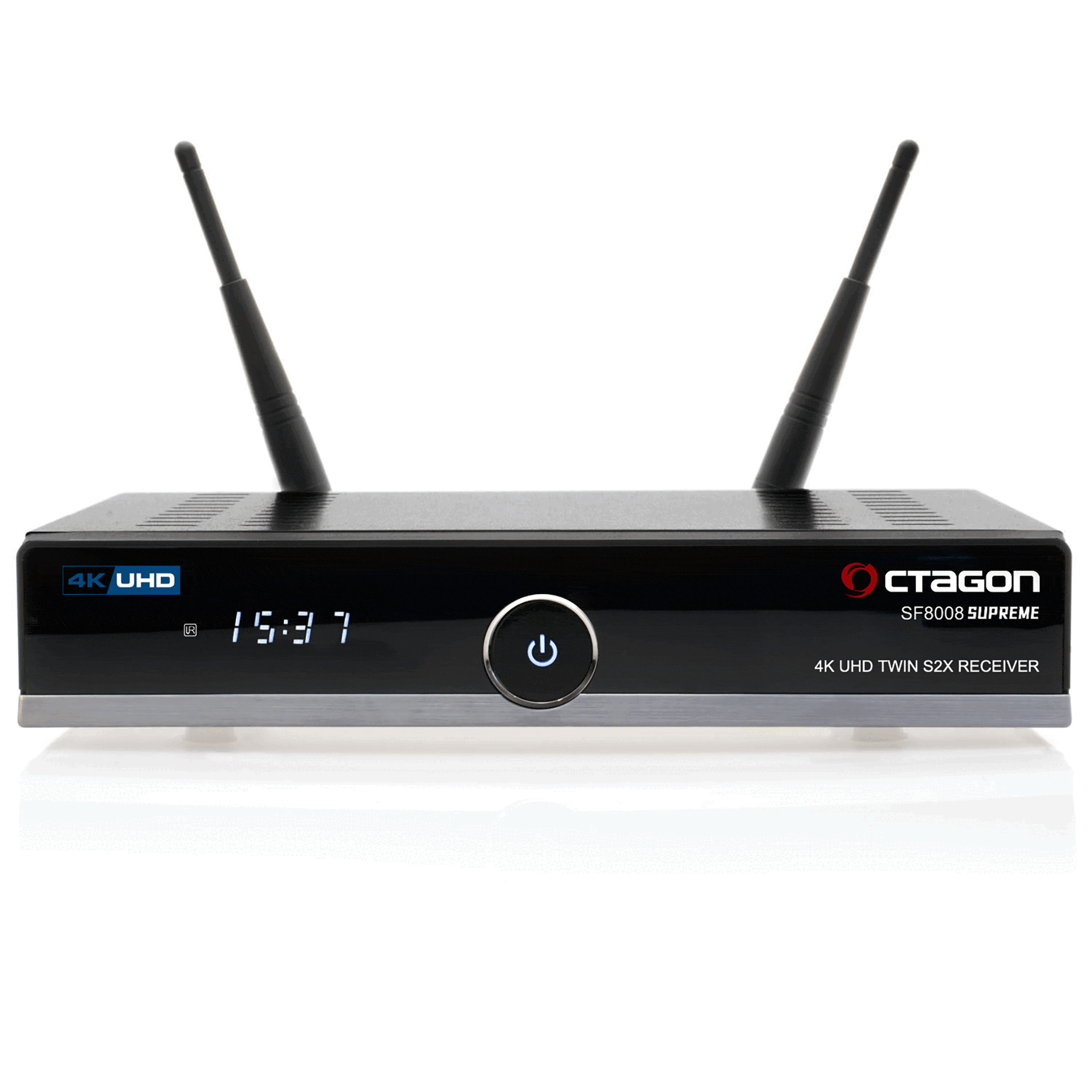
"Now In Stock... OCTAGON SF8008 V3 SUPREME 4K UHD E2 DVB-S2X TWIN (DUAL OS) Satellite Receiver With Multi-Boot!"
Bringing with it a World First - the M.2 interface for the internal integration of M.2 hard drive. $204.00 plus $15.00 for Shipping in the 48 Cont. United States!


If You Like Our Forum, Please Consider Making a Donation to Help With the Monthly Expenses to Maintain the Forum!

A Special Thank You to All who support and purchase products from Ricks Satellite! It is only by the profits made from those sales that I am able to pay for this forum.
A Continued THANK YOU to all of the SUPER POSTERS, that do such a GREAT JOB of finding and posting feeds. and thanks to the members who share their knowledge and answer questions.
It is the Entire group that makes this forum a success!

Sign up Latest Topics


Reply
  Author   Comment   Page 67 of 108     «   Prev   64   65   66   67   68   69   70   Next   »
GeeZer

Avatar / Picture

Registered:
Posts: 3,859
Reply with quote  #991 
Quote:
Originally Posted by starman345
In CrazyScan after doing a scan,  click on one of the peaks and a blind scan will take place and return some information, also a constellation graphic will be drawn. If the signal is QPSK there will be four clouds drawn in the graphic, an 8psk signal will have eight clouds in a circle, 16apsk will have twelve clouds in a circle with four clouds inside that circle.
I know some people aren't aware of this, probably the documentation was a little skimpy on detail in this area.


I used this response because it pertains to what I'm writing about...

After doing a scan and looking and clicking on a peak in order to view the  constellation diagram, I get no constellations, like a piece of the program is missing in order to do the blind scan referred to in this response.  The blind scan is greyed out as follows


I'm not sure what's going on, but I have the library files and stream reader, everything I know of in the crazyscan folder.  Seems to scan the graph fine, but no constellations...  using Windows XP 64 bit with all updates. Prof 7301 card.  Thanks for any help in advance...


wejones

Avatar / Picture

Registered:
Posts: 6,991
Reply with quote  #992 
Did you click that circle in the square that's at the right center? Sometimes you have to click that to start the scan.

starman345

Avatar / Picture

Registered:
Posts: 640
Reply with quote  #993 
Is the screenshot yours or one just to demonstrate what is going on with your sytem? If it is your's can you see Eutelsat at 36E? For some reason I thought you were in NA.
__________________
10' c/ku, Bullseye II Gbox 3000 90cm ku, SG-2100
Prof 7301 PCI
TBS 8922 PCI
TBS 6925 PCI-E
wejones

Avatar / Picture

Registered:
Posts: 6,991
Reply with quote  #994 
Quote:
Originally Posted by starman345
Is the screenshot yours or one just to demonstrate what is going on with your sytem? If it is your's can you see Eutelsat at 36E? For some reason I thought you were in NA.


If you're slaving, or controlling by another receiver, it doesn't matter what sat Crazyscan says you're on. Mine often says Eutelsat too, but I change the parameters rather than defining a whole bunch of sats.   Hopefully that's what he's doing, and not trying to send the dish to a sat over Europe. 
  
GeeZer

Avatar / Picture

Registered:
Posts: 3,859
Reply with quote  #995 
Sorry, just got back from running...

Yeah, that's Galaxy 17 horz..I usually just use one or two Cband sat names for all my scans since so many are feeds.  Eutelsat just happens to be the default.  I've clicked on several points with the same results..greyed out blind scan info even though it's checked.

 I was confused about the difference between the graph and the  blindscan..but anyways...At one time, probably by my own doing, the blindscan button at the top was greyed out also.  I just got this piece to work.  the result is having vertical lines representing the active transponders superimposed onto the graph...after the blind scan.  I tried clicking around different places.


Still greyed out on the clouds when I click on any points though...
voomvoom

Avatar / Picture

Registered:
Posts: 2,244
Reply with quote  #996 
Geezer I think it stays grayed out until you start the scan
click on the FISH BOWL inside the SQUARE on the right side/middle ways of the page
and see if that will un-gray it

EDIT:
And the BLIND SCAN button stays grayed out until you do a SCAN first with the SCAN button

__________________
If I don't answer right away, give me a few, I'm probably chasing 16Apsk and/or 32Apsk
starman345

Avatar / Picture

Registered:
Posts: 640
Reply with quote  #997 
Quote:
If you're slaving, or controlling by another receiver, it doesn't matter what sat Crazyscan says you're on. 


Yes, I realize that, just trying to get the simple stuff out of the way first. Geezer, can you post your streamreader.log file? Might be able to spot something there.

__________________
10' c/ku, Bullseye II Gbox 3000 90cm ku, SG-2100
Prof 7301 PCI
TBS 8922 PCI
TBS 6925 PCI-E
GeeZer

Avatar / Picture

Registered:
Posts: 3,859
Reply with quote  #998 
OK..let me try these things and if it doesn't work, this computer is a triple boot system with XP32 and Vista32  in addition which have all the satellite stuff on them..I believe Crazy scan is on the XP32 and if not it's easy enough to copy the folder over from the XP64 drive...Reason is, I doubt it's a 64 bit problem, but I've had a lot more trouble getting stuff initially to work in XP64 than 32 bit systems.   And that's easy enough to test.  Log file as you requested..thanks for your help!!

 
Attached Files
txt StreamReaderTEXT.txt (4.12 KB, 30 views)

GeeZer

Avatar / Picture

Registered:
Posts: 3,859
Reply with quote  #999 
I'm rollin' now..I'm just a real dunderhead sometimes..I didn't realize that little face or whatever it's supposed to be in the constellation window actually did something...really didn't know what to make of it...anyway...MY FIRST SCAN  LOL.


Thanks for helping this memory cell deficient person get this going peeps!!
starman345

Avatar / Picture

Registered:
Posts: 640
Reply with quote  #1000 
Way to go  I think that little face was what Voomvoom was talking about above.  I put Windows 8 on my computer last week and was over at the Prof site 
http://www.proftuners.com/driver7301.html  looking for drivers, figured Win 7 drivers would be ok, but they now have win8 drivers there, also some new drivers for xp and win 7, might help with your multi-boot system.

__________________
10' c/ku, Bullseye II Gbox 3000 90cm ku, SG-2100
Prof 7301 PCI
TBS 8922 PCI
TBS 6925 PCI-E
satesco

Registered:
Posts: 218
Reply with quote  #1001 
Quote:
Originally Posted by starman345
I put Windows 8 on my computer last week...

 
I opened some time ago a topic about Windows 8 and TbS6925 card.Because you have this card,you will definitely make tests with it.I wanted to know how it works this card on the new system?Could you share with me/us what experience have with it?And if I ask too much,can you further elaborate on this experience?
Thanks in advance 


starman345

Avatar / Picture

Registered:
Posts: 640
Reply with quote  #1002 
  
Quote:
I opened some time ago a topic about Windows 8 and TbS6925 card.Because you have this card,you will definitely make tests with it.I wanted to know how it works this card on the new system?Could you share with me/us what experience have with it?And if I ask too much,can you further elaborate on this experience?

 
 Hello Satesco, yes I will post to that thread my experience with Windows 8. 


__________________
10' c/ku, Bullseye II Gbox 3000 90cm ku, SG-2100
Prof 7301 PCI
TBS 8922 PCI
TBS 6925 PCI-E
wejones

Avatar / Picture

Registered:
Posts: 6,991
Reply with quote  #1003 
BTW, that "fishbowl" is what I was calling a "circle in a square" up in post 993.  I had forgotten what it was supposed to be.  You can stare at the thing, and you know it's trying to look like something, but you can't figure out what, until someone says fishbowl, the CLICK, it pops in..  I guess it's Crazy CAT looking at the goldfish in the bowl. 

GeeZer

Avatar / Picture

Registered:
Posts: 3,859
Reply with quote  #1004 
Yep..It looked to me like a jack o lantern of some sort until I blew it up..sure enough it's a cat looking at fish..guess I need to have younger eyes....

Derrick

Registered:
Posts: 197
Reply with quote  #1005 
Question about the IQscan Point:
Why does it have to be behind the demodulator or parts of the demod? It would be very useful to get a constellation diagram when scanning  I/Q after AD-conversion but before  processing by the demod. Then it should be possible to get a reading without locking (e.g. for DVB-S2 with unknown PLS).
Previous Topic | Next Topic
Print
Reply

Quick Navigation:

Easily create a Forum Website with Website Toolbox.

Fellow Members, your posts are welcome here! Do not worry about posting everything perfect. Different receivers and LNB's will give you different Frequencies and Symbol Rates. Some set top boxes, PCI cards and USB receivers, Do Not Require all of the same information that others may need. It is not Required to post everything that others may need to tune in a feed. It is just most important to share the find. We can always adjust the Frequency and Symbol Rates and try the various Modulations and FEC's on our own receivers until we get a lock and then give a polite reply with what works for your receiver, as that information might help others as well. We all appreciate the efforts and energy of the Posters!

Thank You for Visiting GOFASTMOTORSPORTS.com - Keep Your Eyes on the Sky and the Track!